more of the same. better hair but still obviously a wig. nice display of muscles. 5/10
poncho:
GLORIOUS. radiant. brings out his eyes. 9/10
thor 2:
hair looks spectacular but still little change in the basic outfit formula. beard less garish yellow which is always a plus. 7/10
age of ultron:
stray hairs framing his face?? the v neck?? the collar popping like his pussy?? absolute icon. 10/10
this monstrosity:
baggy? hideous? thor babe what the fuck are you doing. you look like a destitute trucker. 0/10.
thor 3:
GOD the off the shoulder cape… buzz cut… tasteful pieces of contrasting armour… bisexual icon. 10/10.
bonus:
what can i even fucking say? the board shorts??? the washboard abs paired with the floaty whatever the fuck that shirt is?? the fact that he’s in bare feet??? i know i throw around the word “iconic” but. truly. bicon. 11/10.
i was in a thrift shop the other day and they were playing the most unsettling variations of normal christmas music, culminating in this rendition of the 12 days of christmas except it was like 12 guys all singing over each other and going “no!” and interrupting the lyrics with random other phrases until they deadass just started singing 5 golden rings to toto’s africa. can anyone confirm that this is a real song and not that i stroked so hard i astral projected into a universe where everything is somehow worse than it is here
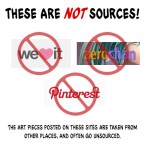
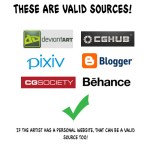
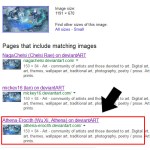
ALSO, Chrome has this feature you can add as an extension. It lets you right click on an image and find the source without having to drag the picture on the desk top or without having to copy and paste the link- it just saves time. There is also SauceNao, which I believe is solely for Pixiv sources?
and hey guys there’s a petition to shut down WeHeartIt and it’s right here
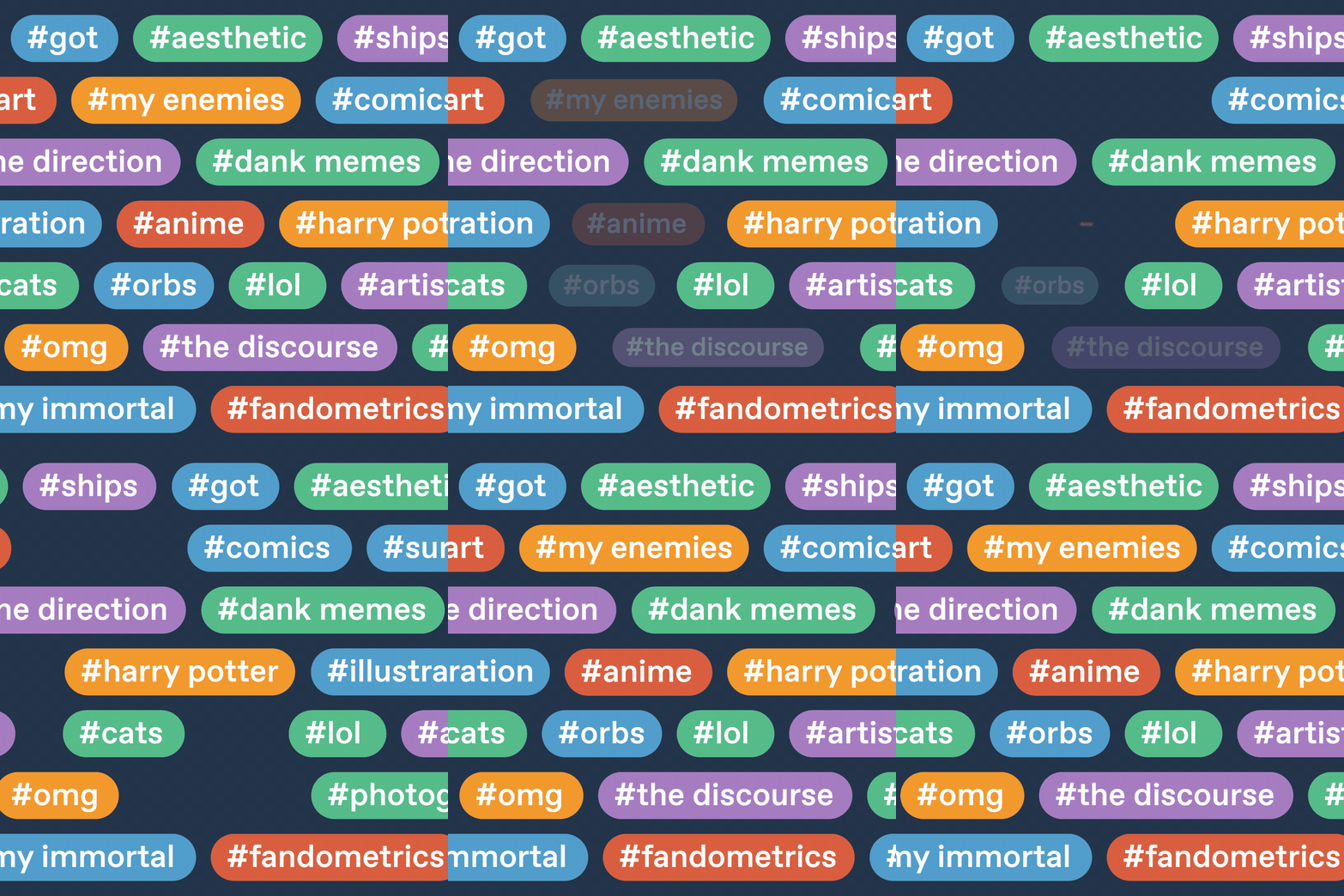
Tag filtering is here Don’t see what you don’t wanna see
In our ongoing effort to help you all determine your own experience here on Tumblr, we’re launching one of our most requested features: the ability to filter out posts from your dashboard based on their tags.
Trying to avoid #Star Wars spoilers? Filter them out. Need a break from all the #holiday excitement this month? Sheesh, fine. Filter it out. It’s your dashboard. Groom it well.
Where do I set up a tag filter?
In your settings! You’ll find it in your general settings on mobile, under “Filtering.” On the web, you’ll find it in your account settings, also under “Filtering.”
That makes sense. Will I know when stuff is being filtered out?
Yup. Just like with Safe Mode, you’ll see a placeholder in your dashboard wherever something is being hidden. If you actually do want to see it, you can click/tap on it, and it’ll appear.
I follow some real nimrods. How can I stop seeing their posts?
Unfollow them! And if they’re really being a jerk, block them. And if they’re truly being hateful, report them.
Anything else I should know?
Sure. There are lots of other tools for making Tumblr the Tumblr you want to see. You can read about them all in our help center.









 tumblr archive